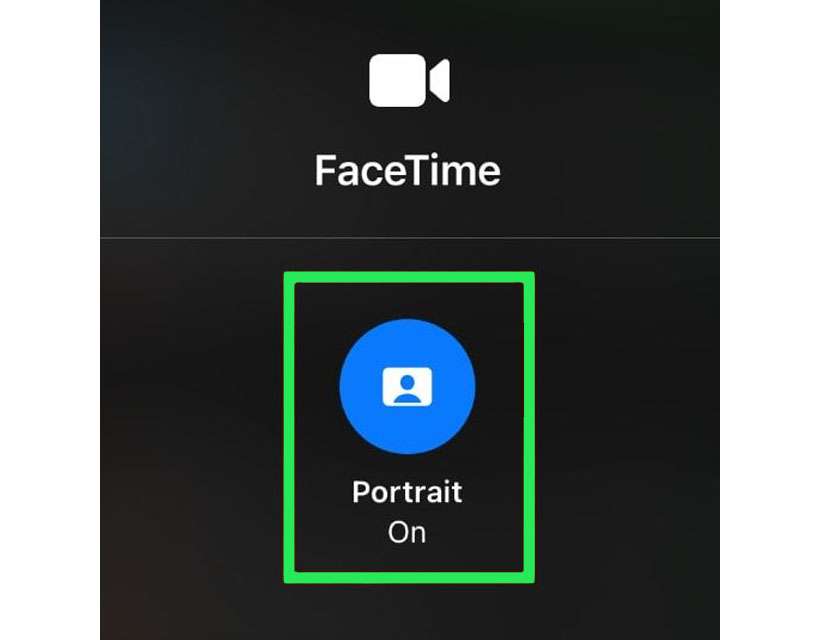
How to blur the background on FaceTime calls

FaceTime Portrait mode Control Center

With the surge in remote work and video calling many have gotten used to seeing other people's rooms behind them. Sometimes a fake digital background can be fun, but for other situations it may not be appropriate. The easiest and fastest way to put the focus on your face is to automatically blur the background on a video call. FaceTime now has this capability on iOS 15 and later.

How to make AirPods volume louder

AirPods Pro active noise cancellation

Can't get your AirPods volume loud enough? There are a few reasons why the volume level may not increase. First of all, you must be actively playing audio for iOS to recognize that you wish to change the volume for a specific app's audio output. Secondly, there could be a problem with your AirPods or your Bluetooth connection. Last but not least, the AirPods volume may be deliberately capped as a safety feature.

How to opt out of Verizon tracking on iPhone

Verizon wireless

Using an iPhone on the Verizon Wireless network? It may surprise you how much your service provider is tracking your every move while connected to its cellular towers. To provide enhanced personalization for Custom Experience and Custom Experience Plus for its customers, Verizon must collect data. Data such as your favorite apps, which websites you read, and where your iPhone is located.

Pages

Subscribe to The iPhone FAQ RSS